
Fb88 Deposit Guide: Payment Methods, Steps & 2026 Bonus Offers
Depositing at Fb88 is straightforward once you understand the process and pick the method that suits you. The platform supports several local payment channels, from bank transfers and QR-scan e-wallets to agent top-up cards, each with its own processing and verification requirements. Knowing each step helps you avoid common mistakes like using an outdated account number or skipping the receipt upload.
Your first deposit often trips up on one thing: not knowing where to get the receiving account number, or sending the money but not seeing the balance credited because the receipt confirmation step was skipped. This guide walks through everything from preparation to each specific action, so your first deposit at Fb88 goes through correctly without any trial and error.
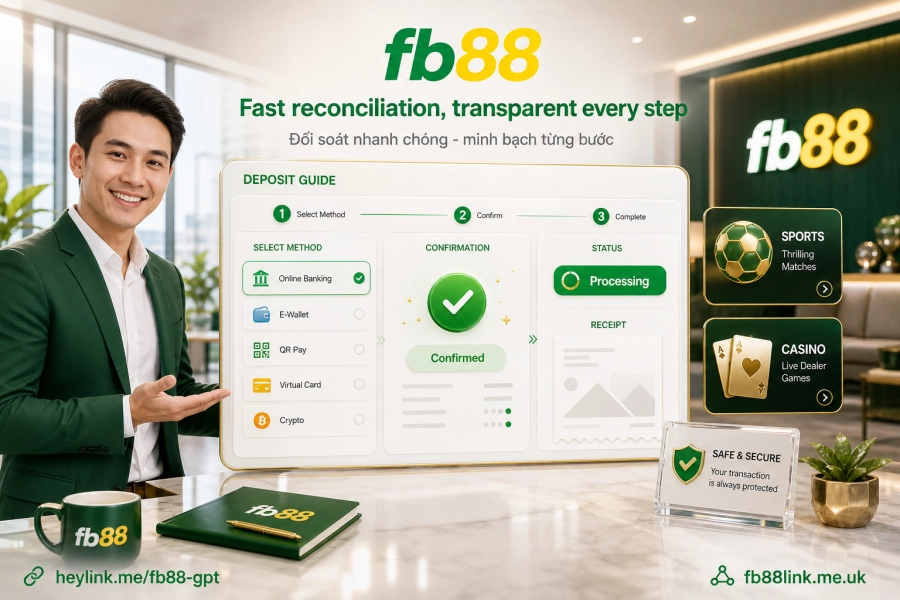
What to Prepare Before You Start
The minimum requirement is an activated member account. If you haven't signed up yet, head to Fb88 link me to create one first. The deposit step only works after you've logged in successfully.
One key technical point to know upfront: the receiving account number on the deposit page is generated fresh for each session, so it is not fixed. This means you must open the deposit page, select your method, and only then copy the account number displayed. Don't reuse a number from a previous deposit or from any other source. This is the most common reason money leaves your account but the system fails to match the transaction.
Also have your banking app or e-wallet already linked, and enough storage space to capture or upload a receipt screenshot. This confirmation step is mandatory for most payment methods.
Deposit Methods and How to Choose
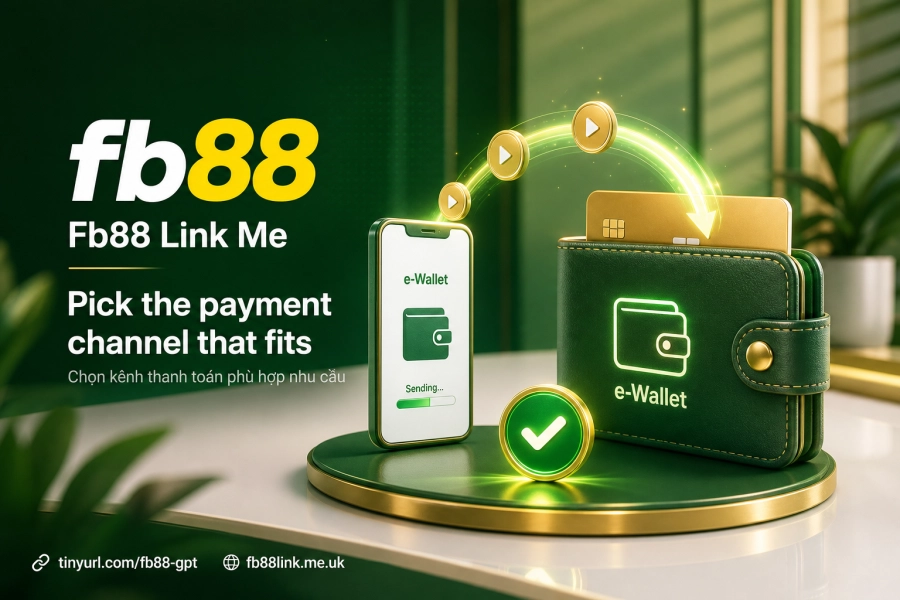
Fb88 supports four main groups of payment methods. The table below summarizes each group so you can compare them quickly:
| Method | Features | Best when |
|---|---|---|
| Bank transfer | High limits, clear transaction trail, has reconciliation history | High-value deposits that may need verification later |
| Fast transfer 1/2/3 | Processes faster than a standard bank transfer | You need funds in your account quickly |
| E-wallets (MoMo, ZaloPay, Viettel Money) | Direct QR code scanning on your phone, simple steps | Smaller deposits made from your phone |
| Agent top-up cards (Ngân Lượng) | Deposit through agent channels, no bank account required | No Internet Banking or e-wallet available |
Bank transfers offer clear transparency: every transaction generates an independent transaction code, which makes reconciliation easy if a dispute comes up later. E-wallets such as MoMo, ZaloPay and Viettel Money support direct QR scanning. You just open your phone camera and scan, with no need to type a long account number by hand, which reduces the risk of entry errors.
Bank Transfer Deposits: Step-by-Step
This is the method many players prefer because it's easy to trace past transactions. The process is as follows:
- Log in, go to the Deposit section, and select Bank transfer.
- Copy the receiving account number shown on the page. This number is assigned to your current session and may change after a few minutes of inactivity.
- Fill in all transaction details: the amount you want to deposit, the sending bank, the method used (Internet Banking, Mobile Banking, over the counter, or ATM), the source account name and number, and the transaction reference generated after the transfer.
- Execute the transfer from your banking app. Do not close the deposit page while doing this.
- Take a screenshot of the bank's confirmation receipt, then upload the image to the Fb88 deposit page.
- Wait for the system to reconcile. Funds usually appear in your main account within 3 to 10 minutes after the transaction is confirmed.
The transaction ID or reference code issued by your bank after a successful transfer is what the system uses to match the payment to your account. If this code is missing or entered incorrectly, the system can't record the deposit automatically, even though the money has already left your bank account.
E-Wallet Deposits: QR Scan for Speed
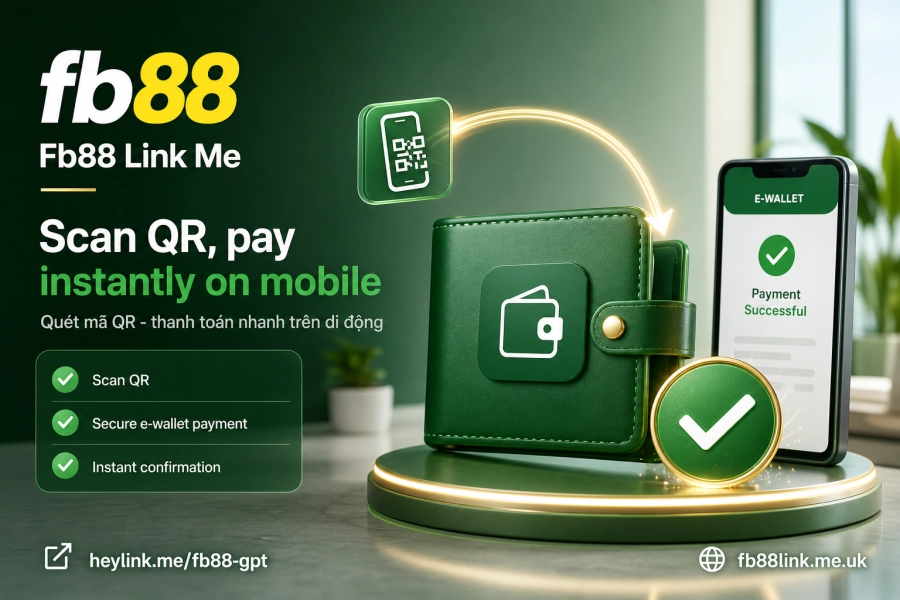
With MoMo, ZaloPay and Viettel Money, the process is noticeably shorter thanks to QR codes. After choosing the matching wallet on the deposit page, a QR code appears. Open your wallet app, select the scan function, confirm the amount, and complete the payment in the app. The receipt upload step still applies: screenshot the wallet's confirmation and submit it to the system.
Scanning a QR code avoids account number typos, a common source of errors with manual bank transfers. Processing time after the receipt is confirmed is similar to other channels, typically 3 to 10 minutes according to the brand's published information.
Receipt Verification and What to Do If a Deposit Hasn't Arrived
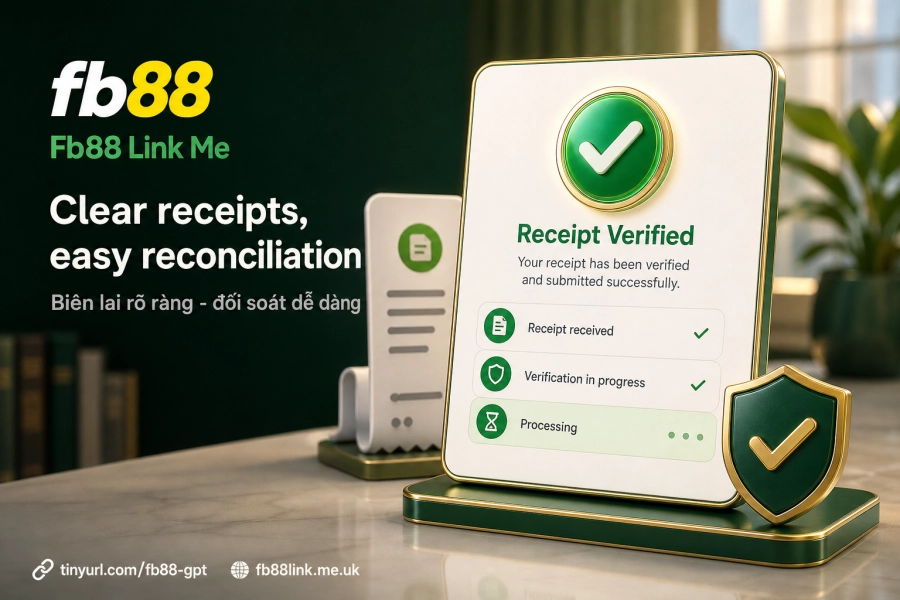
The receipt is more than proof for you; it's the data the system uses for automatic reconciliation. The screenshot should be clear, uncropped, and show the full amount, transaction time, and reference code. Blurry images or missing details can add extra time to verification.
If more than 10 minutes have passed and the balance still hasn't updated, check these first:
- Was the receiving account number copied correctly from the deposit page within the same login session?
- Did you enter the transaction code into the confirmation form?
- Did the receipt upload successfully (check the upload status again)?
If all of the above check out and the funds still haven't appeared, the system may be handling peak volume or the deposit may need manual review. In that case, contact customer support directly and provide the receipt image along with the transaction code. This information is required for the technical team to trace the transaction on the bank's side.
Transferring Funds Between Your Main Account and Game Accounts
Once funds reach your main account, you need to move them to the relevant game account before placing bets. Fb88 allows free transfers between your main account and its various game accounts. The option is usually found under Fund transfer or Game wallet in your account interface.
Note this: if you still have a balance in one game lobby, transfer it back to your main account before moving to another lobby. In some cases a balance appears "stuck" in an old lobby, which is not a system error but usually means the funds weren't recalled to the central wallet first.
Deposit Bonuses and Wagering Requirements
Fb88 runs a first-deposit bonus of up to 100% of the deposited amount. Subsequent deposits receive bonuses between 10% and 30% depending on the promotion currently running. Read the wagering requirements carefully, however: bonus funds must be wagered the specified number of times before they can be withdrawn. These requirements apply to the bonus portion only, not your entire balance.
For current promotions, check the Promotions page, as specific terms are typically updated per campaign. You can also review transaction security details on the Security page.
The brand operates under PAGCOR (Philippines) and Isle of Man licenses and uses 128-bit TLS/SSL encryption combined with multi-layer firewalls. These are officially published facts, so you can judge for yourself how much trust fits your needs.
Depositing at Fb88 isn't complicated, but there are enough steps that the system can reconcile your payments automatically and accurately. The practical question is: now that you understand how the mechanism works, which channel makes future transaction verification easiest for you?